
DiscovAR
A short mixed reality experience for the first-generation Microsoft HoloLens, built as my final project for the MSc in Creative Technology. You land on an imaginary Planet X, explore it, play a drum kit in space and, in the last part, defend the planet's core.
- Role
- Solo project: concept, design, Unity development, testing and report
- Device
- Microsoft HoloLens, developer edition
- Built with
- Unity 2017.1, HoloToolkit, Vuforia
- Study
- MSc Creative Technology, Middlesex University
The aim
Most HoloLens projects I saw were enterprise demos or games. I wanted to build something closer to an experience, and to focus on three things the device does well: world immersion, spatial sound and interaction. The wider aim was to show what augmented and mixed reality can do, and to explore how the HoloLens could reach a wider audience.
The experience
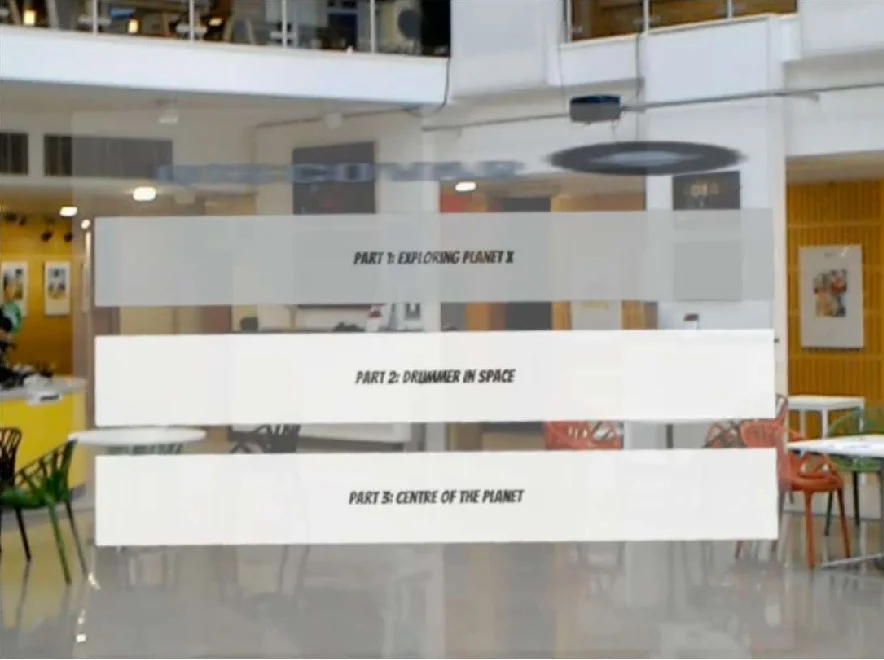
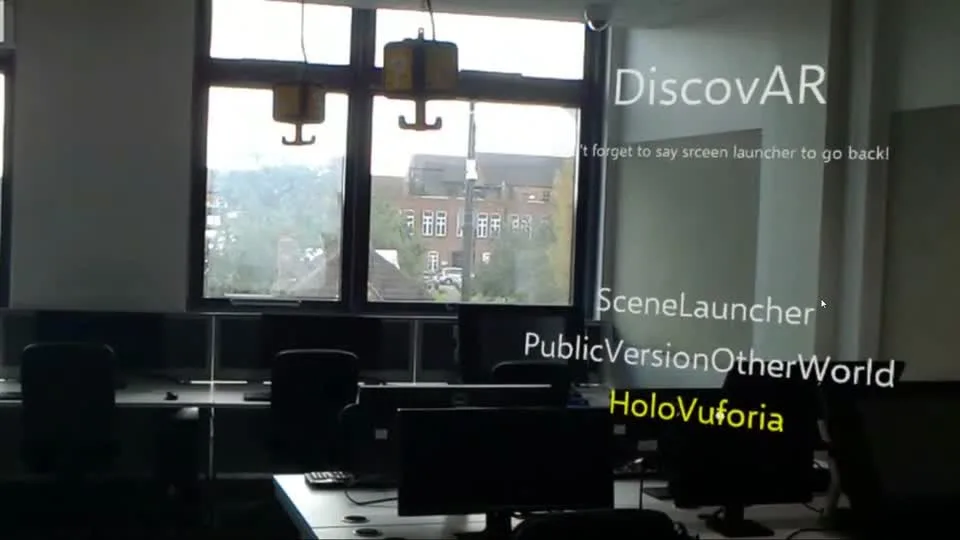
A robot-like voice narrates each part. It's a short story in three parts, started from a menu.
-
1
Exploring Planet X
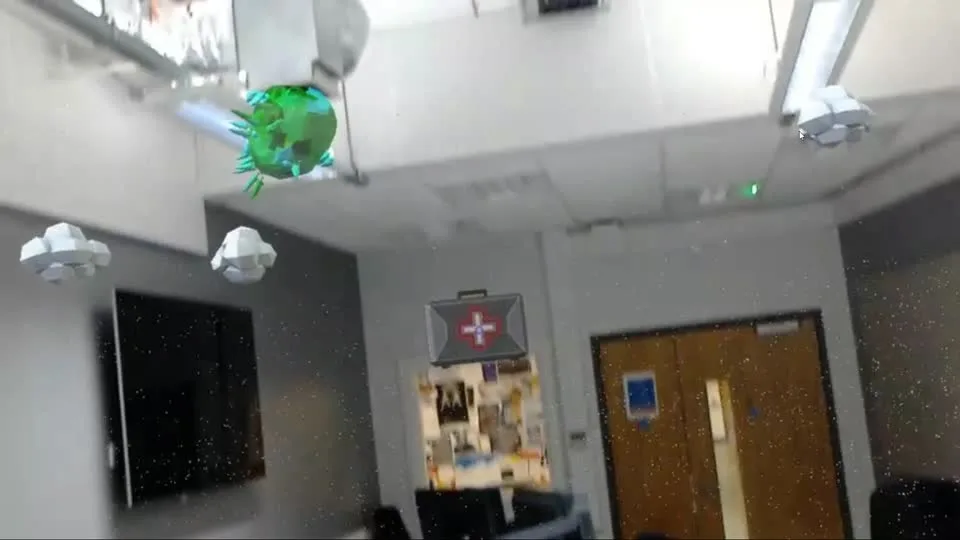
"You just landed in Planet X. The planet has different layers and you get to explore and interact with the environment." The headset scans the room first, and objects are placed on the real floor once the scan finishes.
-
2
Drummer in space
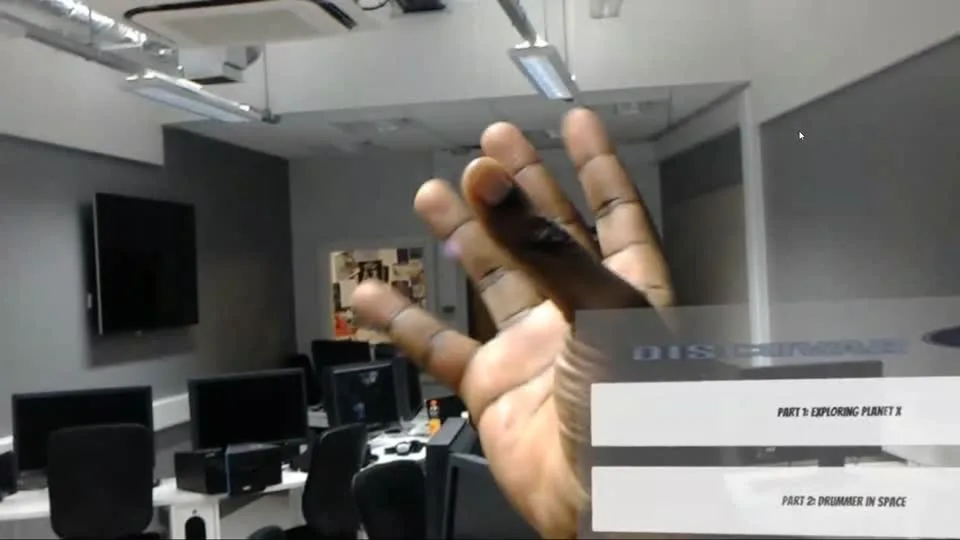
A virtual drum kit sits in the room. Image targets tracked by Vuforia act as drumsticks, and hitting a drum plays its sound.
-
3
Centre of the planet
A "space shooter" set at the heart of the planet, where you protect a shield from brain aliens.
How it works
- Spatial mapping. The HoloLens scans the room. When the scan completes, a script places the first object on the floor.
- Gaze and air-tap. You look at an object and tap to pick it up or drop it, using the toolkit's TapToPlace and a small drop helper.
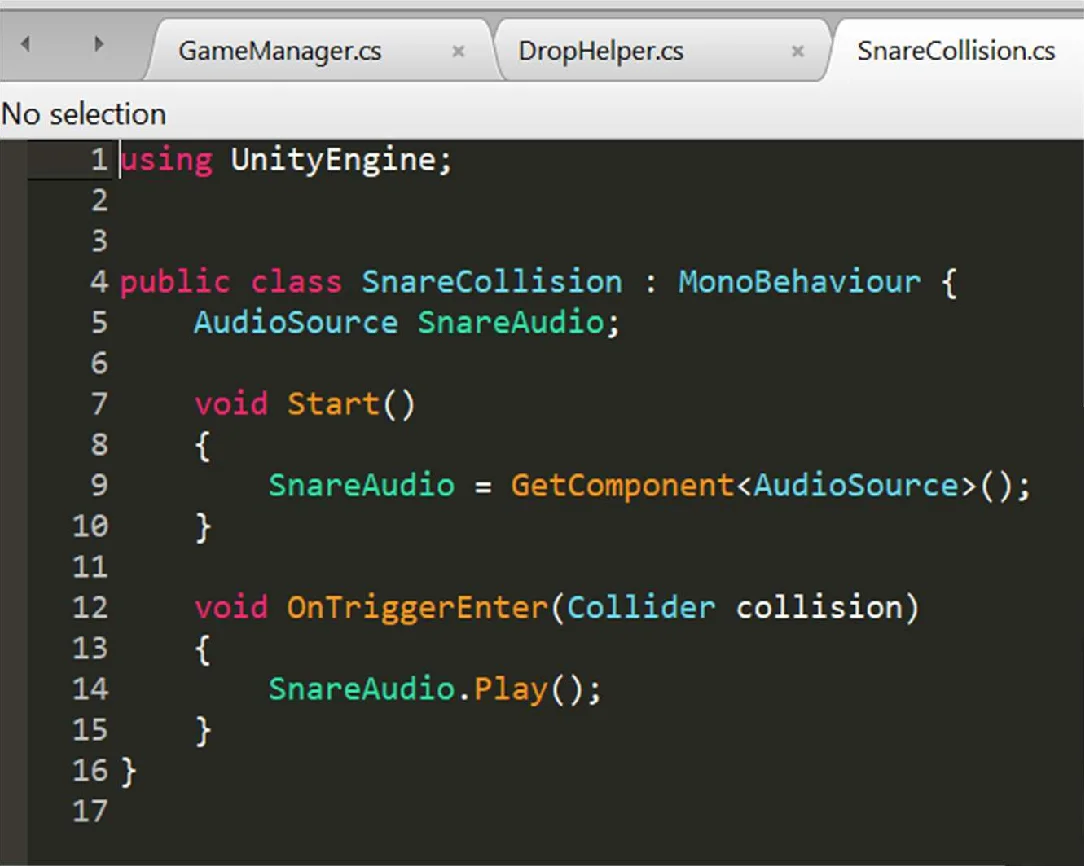
- Image targets. Vuforia tracks printed targets, and each drum has a trigger that plays its sound when a target enters it.
- Spatial sound. The spatial audio engine is switched on and each clip is tuned, so sounds seem to come from where the objects are.
What's mine and what isn't
The scripts I wrote are small: the scan-complete floor placement, the drop helper and the drum collision above.
The 3D models, drum samples and much of the interaction plumbing come from HoloToolkit, Microsoft's tutorials and Asset Store packs. My part was the concept, the narrative, the design and putting it together.
What I measured
15 first-time users tried it and answered six statements on a 5-point scale, where 5 is strongly agree. Scores sat close to the middle.
Average score per statement, n = 15. Bars run from 1 to 5 and the line marks the neutral midpoint, 3. The statements were adapted from a published HoloLens focus group study (Radkowski and Ingebrand, 2017).
- People understood the instructions and felt they had completed the experience, but the headset was the weak spot: it scored lowest for comfort, at 2.6.
- In the free-text answers, most users had trouble using the HoloLens, while others had a much better experience. Some asked for voice instructions that highlight the available commands.
- Four of the six statements were about the HoloLens, not DiscovAR, so they say less about the experience than I'd like.
- Earlier feedback from tutors and guests said it felt more like VR than AR and lacked spatial mapping. That pushed the redesign into three parts with a narrative and spatial sound.
What this does and doesn't show
It's a small pilot: one questionnaire, no control group and no task metrics. I didn't test the final version with users again after the changes. My original report called the project "wildly successful". The data supports a more modest claim: a working prototype that first-time users found neither great nor poor.
What went wrong
- HoloToolkit was reorganised mid-project, which made some of my scripts obsolete.
- Vuforia's HoloLens support was deprecated and removed from its site while I was using it.
- Upgrading Unity caused errors, so I reverted it.
- The narrow field of view clipped holograms, and users moved around a lot looking for ones they had lost.
- Tracking dropped into a limited mode at times, and the room mesh was rough.
- The display is additive, so it can't show black.
What I'd do differently
- Ask about the experience, not the device. I'd write questions about the story and the interactions, and keep the headset comfort questions separate.
- Retest after changes. The final version never went back to users.
- Pin the tools. Toolkit and plugin changes cost me weeks. I'd freeze versions early and only upgrade between milestones.
The report's own verdict was that the HoloLens is promising but "not perfect yet, and maybe not ready for the wider market". I'd still say the same about where the tooling was in 2017.
Next: Alexa VR Controller →